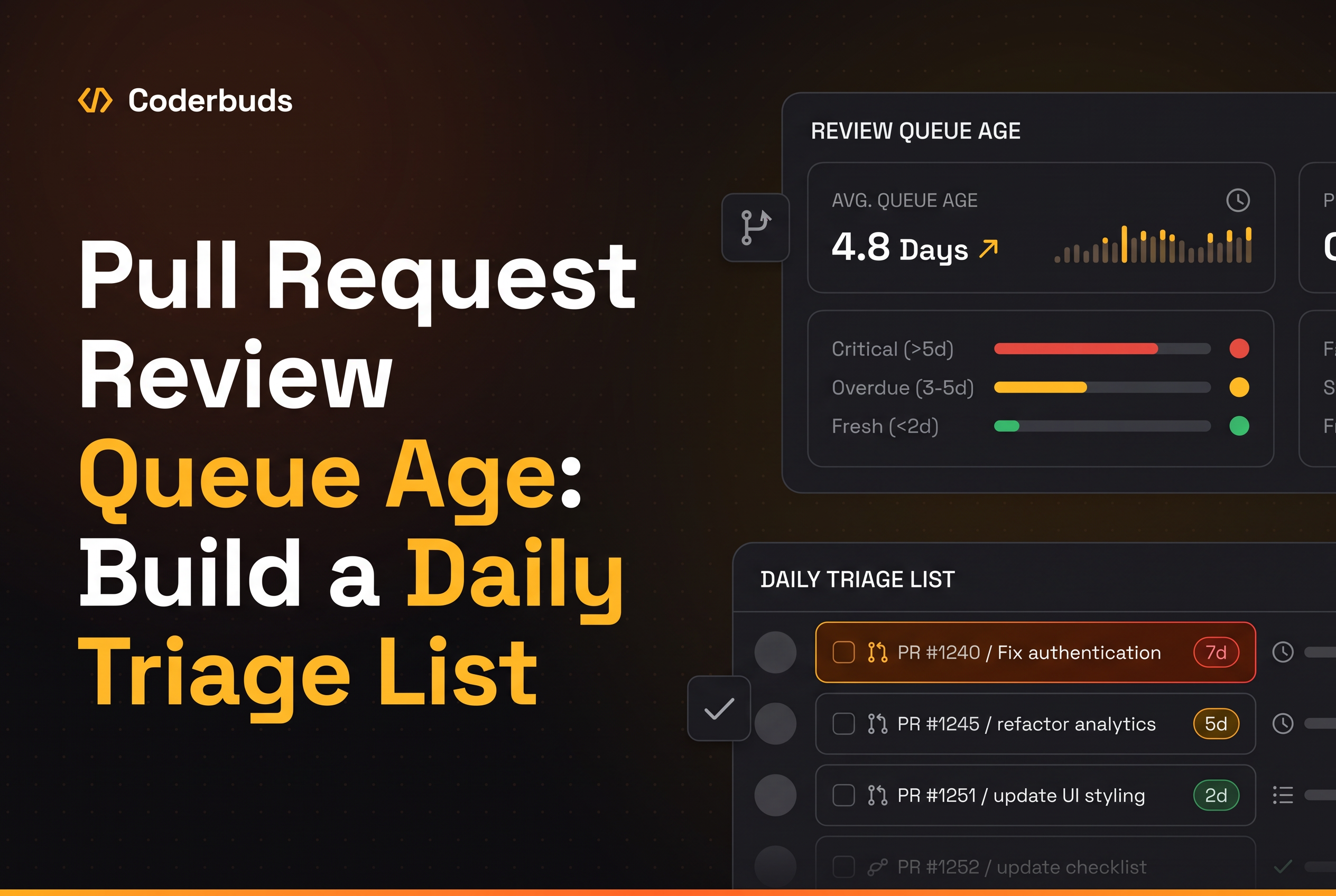
Pull request review queue age is how long each open, ready-for-review PR has been waiting right now, measured from the moment it became reviewable to the current time. It is a live snapshot of what is stuck today, not the historical average of how fast reviews usually start.
That difference matters if you manage a team of 6 to 50 engineers and suspect PRs are sitting. Last month's median time to first review tells you whether the process improved. It does not tell you which three PRs to unblock before lunch. Queue age does.
This post covers how to calculate it, which PRs belong in the queue, and how to turn it into a short daily triage list with an owner on every line.
What pull request review queue age measures (and how it differs from time to first review)
Pull request review queue age measures the current wait of every open PR that is ready for review, so it answers "what is waiting on us right now?" Time to first review answers a different question: "how long do PRs usually wait before someone responds?"
The two metrics describe different things:
Time to first review is historical. It is measured once per PR, when the first reviewer responds, and reported as a median or p90 over a period.
Review queue age is live. It is measured continuously for PRs that have not yet been reviewed (or are waiting on a re-review), and it resets to zero the moment the PR leaves the queue.
PR age is the total time since a PR was opened, including drafts, revisions and merge delays. It is broader than either.
A team can have a healthy 6 hour median time to first review and still have a PR that has been sitting for four days. The average hides it. Queue age exposes it, because it only looks at what is open today.
Use the historical number for trend lines in a weekly report. Use queue age for the morning stand-up.
How to calculate review queue age: the clock, the start event and the formula
To calculate pull request review queue age, subtract the timestamp when the PR became ready for review from the current time: queue age = now minus ready-for-review time. The only real decision is which start event you use. Pick one and keep it.
There are three common start events:
PR creation (
created_at). The simplest. This is the right start for general PR age, because it includes draft time. It overstates queue age for PRs that sat in draft first.Ready for review. The best start for queue age. For a PR opened as a draft, this is the moment the author marked it ready. For a PR opened ready, it equals creation time.
Review requested. Useful if your team only reviews when explicitly asked. It undercounts PRs where nobody was ever requested, which are exactly the ones that rot.
The formula for each open, ready PR:
queue age = current time - ready_for_review time
The clock restarts when the author pushes changes after a review and re-requests one, because the PR is back in the queue. If you never restart it, a PR that was reviewed once looks old forever and floods your list.
If you want to pull this yourself, the GitHub API exposes the timeline events you need: creation time on the pull request, plus ready_for_review and review_requested events on the issue timeline. Compute business hours if your team spans time zones. Otherwise a PR opened Friday evening looks three days old by Monday morning. Whatever you choose, write the convention down. A queue age number with no stated start event is just noise.
Which PRs belong in the queue: ready, draft, blocked and stale
Only PRs that are open, ready, and waiting on a reviewer belong in the queue. Everything else distorts the number, so sort each open PR into one of four buckets before you rank anything.
Ready. Open, not a draft, no blocking label, waiting for a first review or a re-review. These are the queue. Rank them.
Draft. The author is still working. Exclude drafts from queue age entirely. A draft is not waiting on anyone, and counting it punishes people for working in the open.
Blocked. The code is ready, but the PR is waiting on something outside review: a dependency PR, a design decision, an upstream API. Track these separately with a label such as
blocked, and show the blocker. They are not a reviewer problem.Stale. There is no universal definition. A practical one is an open PR with no meaningful activity for a set period, often three to five business days. Decide what resets the clock: a new commit or a review counts, a drive-by comment arguably does not. Published definitions vary widely, from 72 hours without review activity to 20 business days without a commit, so document your own rule.
Stale and queue age overlap but are not the same. A PR can be old but progressing, or fresh and already stalled. Stale PRs need a decision (revive, rebase, or close), not a reviewer. Keep them off the daily triage list and handle them in a weekly sweep.
Build the daily triage list: oldest ready items first, with an illustrative table
The daily triage list is the ready queue sorted by age, oldest first, trimmed to the handful of PRs you can realistically unblock today. Oldest-ready-first is the right default because the longest-waiting PR has the highest cost. The author has context-switched, the branch has drifted, and merge conflicts are growing.
Keep the list short. Five to ten rows. If it runs to thirty, you have a capacity problem to fix in planning, not a triage problem.
Here is an illustrative example of what a morning list might look like. The PRs and numbers are made up to show the shape.
| PR | Ready since | Queue age | Size | Assigned reviewer | Status |
|---|---|---|---|---|---|
| #412 Billing webhook retry | Mon 09:10 | 3d 1h | M | Priya | Reviewing today |
| #418 Auth session refresh | Mon 14:30 | 2d 20h | S | Sam | Needs reviewer confirmation |
| #421 Export CSV endpoint | Tue 11:00 | 2d 0h | L | Unassigned | Split or assign |
| #425 Dashboard filter fix | Tue 16:45 | 1d 18h | S | Priya | Queued |
| #430 Rate limit headers | Wed 10:20 | 0d 23h | S | Jo | Queued |
Three habits make the list work:
Break ties by size. Among similarly old PRs, small ones go first. A 20 line review clears a human off the board in ten minutes.
Flag the outliers. Anything over your threshold (see below) gets a name against it before the stand-up ends.
Review it at a fixed time. Same hour every day, five minutes, read top to bottom. The point is a ritual, not a dashboard nobody opens.
If you want the same view without a spreadsheet, a pull request queue dashboard for GitHub or Bitbucket can be as simple as a saved query filtered to open, non-draft, no blocked label, sorted by ready time. Start there before you buy anything.
Assign a reviewer to every item: ownership, load and rotation rules
Every row on the triage list needs a named reviewer, because a PR that belongs to "the team" belongs to nobody. Unassigned is the single biggest predictor of a PR aging out.
Use three rules:
Ownership. Default to the person with the most context on the changed files. If that is the author's manager or the only senior engineer, route around them. Review should not funnel through one person.
Load. Cap open reviews per person, for example three at a time. When someone hits the cap, the next PR goes to the next name. Go by the list, not by who feels busy.
Rotation. A weekly or daily review rotation removes the awkward "who wants this one?" silence. The rotation owner clears the oldest-ready PR first, then helps with the rest.
Add a backup for every assignment. If the primary reviewer has not started within a working day, the backup picks it up. Make that rule explicit so nobody has to chase anyone.
There is a newer wrinkle. When AI tools help engineers write more code, more PRs land in the queue and review becomes the bottleneck. The mechanics are covered in why AI code review becomes the new bottleneck. A daily triage list is the cheapest way to keep that surge from burying your oldest PRs.
Thresholds, weekly reporting and the mistakes that make the number misleading
Set a threshold, then act on it. A common starting point is that any ready PR over one working day gets a reviewer named, and any over two working days gets escalated. Pick numbers your team can hit today and tighten them later. A threshold nobody meets is ignored within a week.
For the weekly report, move from the live snapshot to the historical view. Track:
Median and p90 time to first review, using one consistent start event
Count of open PRs by age bucket (under 1 day, 1 to 2 days, over 2 days)
Count of stale PRs and how many were closed or revived
Share of PRs that went through the queue with an assigned reviewer
This is also where pull request cycle time belongs. Cycle time is the elapsed time from the start of work (often the first commit or PR open) to merge. It includes review wait, but review wait is only one slice of it. Don't confuse the two.
The mistakes that make queue age misleading:
Counting drafts. It inflates the number and discourages early PRs.
Never restarting the clock. A PR re-requested after changes should reset, or it looks permanently overdue.
Wall-clock time across time zones. Use business hours.
Averaging instead of listing. A mean of 8 hours can hide one PR at 4 days. Always look at the oldest item.
Using it to rank people. Queue age is a process signal. The moment it becomes an individual scoreboard, people game it by clicking approve.
Where Coderbuds fits: it is engineering intelligence for teams of roughly 6 to 50 engineers, pulling delivery and DORA metrics such as lead time and review delays from GitHub or Bitbucket. Use it for the historical, team-level view that your daily triage list feeds into. Pricing is one plan with every feature, a 30 day free trial and no card, and viewers are free.
FAQ: PR vs code review, how big is too big, a good PR cycle time, can ChatGPT review code
These are the questions that come up most when teams start measuring review queue age. Short answers follow, with fuller versions in the FAQ below.
Start with five rows tomorrow morning, then baseline the trend in Coderbuds
Review queue age earns its place by staying small and daily: open, ready PRs, oldest first, a named reviewer on each, five minutes at the same time every day. Build it as a saved GitHub or Bitbucket query this week and run it for two weeks. Then connect your repos to Coderbuds, start the 30 day free trial (no card needed), and use its lead time and review delay metrics to check whether the daily habit is moving the historical numbers.